
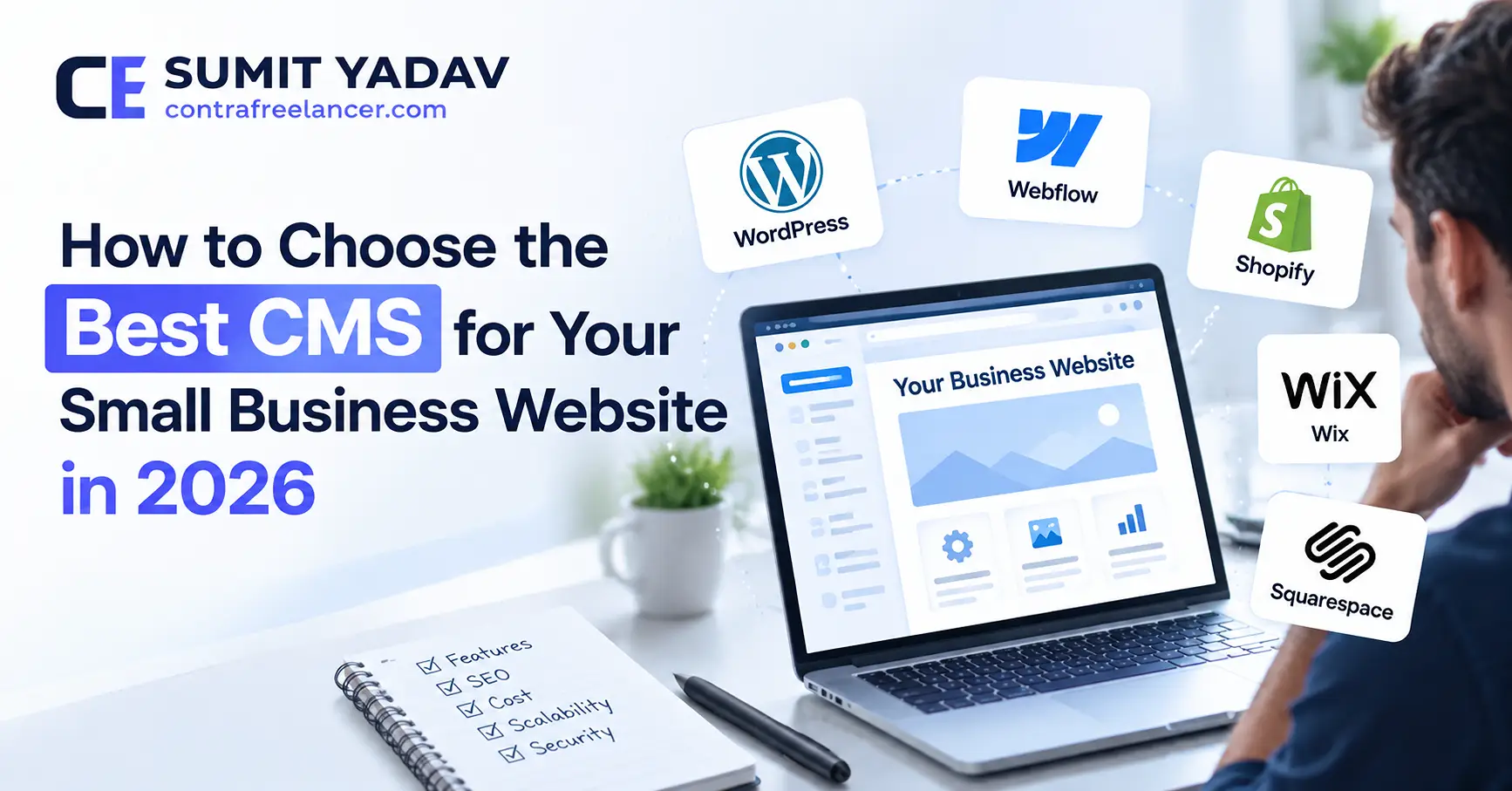
How to Choose the Best CMS for Your Small Business Website in 2026
8 min
WordPress & CMS
Choosing the right Content Management System (CMS) is one of the most important decisions when building a website for your small business. The CMS you choose can affect how easily you update your website, manage content, improve SEO, add new features, and maintain your website as your business grows.
With so many options available in 2026—including WordPress, Webflow, Shopify, Wix, Squarespace, and other platforms—it can be difficult to know which one is right for your business.
The best CMS is not necessarily the platform with the most features. It is the one that matches your business goals, technical requirements, budget, and future growth plans.
In this guide, we will explain what a CMS is, what you should consider before choosing one, and how some of the most popular CMS platforms compare for small businesses.
What Is a CMS?
A Content Management System, or CMS, is software that allows you to create, manage, edit, and publish website content without having to manually code every page.
A CMS typically allows you to manage:
Website pages
Blog posts
Images and videos
Navigation menus
Contact forms
Products and services
SEO settings
Users and permissions
Website media
For a small business, a good CMS can make website management much easier because you can make many content changes without depending on a developer for every small update.
Why Choosing the Right CMS Matters
Your website is often one of the most important digital assets your business owns. Choosing the wrong platform can create unnecessary costs and limitations later.
For example, you may start with a simple website but eventually need:
More pages and content
Advanced SEO
Online payments
E-commerce functionality
Customer accounts
Booking systems
Third-party integrations
Custom functionality
Better website performance
Multiple users or administrators
If your CMS cannot support these requirements efficiently, you may eventually need to rebuild or migrate your website.
That is why it is better to consider both your current needs and your future plans before making a decision.
7 Things to Consider When Choosing a CMS
1. Ease of Use
The first question to ask is how comfortable you and your team are with managing a website.
A good CMS should make it easy to:
Add new pages
Edit existing content
Upload images
Publish blog posts
Update business information
Manage menus
Make basic SEO changes
If your team is not technically experienced, a complicated CMS may create unnecessary dependency on developers.
However, simplicity should not come at the cost of flexibility.
2. SEO Capabilities
Search engine optimization is important for small businesses that want to attract customers through Google and other search engines.
Before choosing a CMS, check whether it allows you to manage important SEO elements such as:
Page titles
Meta descriptions
URLs
Heading structure
XML sitemaps
Image alt text
Canonical URLs
Schema markup
Redirects
Internal linking
WordPress, for example, has a large ecosystem of SEO plugins and tools that can help businesses manage these areas.
However, having SEO features does not automatically mean a website will rank well. Content quality, technical SEO, website performance, backlinks, search intent, and overall user experience also matter.
3. Website Performance
Website speed is another important consideration.
A CMS can affect how efficiently your website loads, particularly when you add themes, plugins, scripts, images, and third-party integrations.
A good business website should be optimized for:
Fast page loading
Mobile devices
Core Web Vitals
Image optimization
Efficient code
Browser caching
Minimal unnecessary scripts
When comparing CMS platforms, do not only look at how fast a basic demo website loads. Consider how the platform will perform after your actual content, plugins, integrations, and features are added.
4. Customization and Flexibility
Every business is different.
A local service business may need a simple website with contact forms, while an e-commerce company may need product management, payment processing, customer accounts, shipping integrations, and advanced filtering.
Ask yourself:
“Can this CMS grow with my business?”
If you expect your website requirements to become more advanced, choosing a flexible platform can save you from migrating to another system later.
5. Security and Maintenance
Security should be considered before choosing any CMS.
Look at how the platform handles:
Software updates
Security patches
User permissions
Backups
SSL
Plugins or extensions
Malware protection
Authentication
Some platforms handle much of the technical infrastructure for you, while others give you more control but require more responsibility.
Your choice should depend on how much control you want and how much technical maintenance your business can manage.
6. Cost
The cost of a CMS is not always limited to the initial setup.
Consider the total cost of ownership, including:
Hosting
Domain
Premium themes
Plugins
Extensions
Payment processing
Maintenance
Security
Developer costs
Website redesigns
Third-party services
A platform that appears inexpensive initially may become more expensive as you add features.
Similarly, a more flexible platform may require a larger initial investment but provide better long-term value.
7. Scalability
Your website should be able to grow alongside your business.
You may start with five pages today and have 100+ pages, hundreds of products, or thousands of visitors in the future.
Before selecting a CMS, think about where you want your business to be in the next three to five years.
WordPress vs Other Popular CMS Platforms
Let's look at some popular CMS options for small businesses in 2026.
WordPress
WordPress is one of the most flexible options for businesses that want control and customization.
It can be used for:
Business websites
Blogs
E-commerce stores
Membership websites
Service websites
Portfolio websites
Custom web applications
Its biggest advantage is its large ecosystem of themes, plugins, developers, and integrations.
The downside is that WordPress websites require proper maintenance, updates, security, backups, and performance optimization.
Best for: Businesses that want flexibility, customization, strong content management, and long-term scalability.
Webflow
Webflow is popular among businesses that want a visual website-building experience while maintaining greater design and development control than many traditional website builders.
It can be a good choice for:
Marketing websites
Professional business websites
Landing pages
Design-focused websites
Best for: Businesses that prioritize modern design and visual control without wanting to manage a traditional WordPress installation.
Shopify
Shopify is primarily focused on e-commerce.
It provides tools for:
Product management
Payments
Orders
Inventory
Shipping
Discounts
Customer accounts
Best for: Businesses whose primary goal is selling products online.
If your business is primarily a service company, Shopify may provide more e-commerce functionality than you actually need.
Wix
Wix provides an easy-to-use website-building experience and can work well for small businesses that want to build and manage a relatively simple website.
Best for: Small businesses looking for simplicity and an easy website management experience.
Squarespace
Squarespace is known for its professionally designed templates and relatively simple editing experience.
It can be suitable for:
Small businesses
Portfolios
Creative professionals
Service businesses
Best for: Businesses that want a polished website with relatively simple content management requirements.
Which CMS Is Best for a Small Business?
There is no single CMS that is best for every small business.
Your decision should depend on what your business actually needs.
CMS | Best For | Flexibility | Ease of Use |
|---|---|---|---|
WordPress | Custom business websites | High | Medium |
Webflow | Design-focused websites | High | Medium |
Shopify | E-commerce | High | High |
Wix | Simple business websites | Medium | High |
Squarespace | Creative/service websites | Medium | High |
The right choice depends on your goals rather than simply choosing the most popular platform.
WordPress May Be the Right Choice If...
WordPress can be a strong option if you:
Need extensive customization
Want to publish regular blog content
Need advanced SEO control
Want access to thousands of integrations
Need custom functionality
Plan to expand your website
Want control over hosting
Need an e-commerce solution such as WooCommerce
For businesses that expect their website to become an important part of their marketing and sales strategy, WordPress can provide significant flexibility.
A Website Builder May Be Better If...
A hosted website builder may be a better choice if you:
Need a simple website
Have limited technical knowledge
Want easier maintenance
Do not need extensive customization
Want an all-in-one solution
Have a small number of pages
The goal should be to choose a platform that gives you the functionality you need without unnecessary complexity.
Questions to Ask Before Choosing a CMS
Before making your final decision, ask:
What is the main purpose of my website?
Will I sell products online?
How much customization will I need?
Who will manage the website?
How important is SEO to my business?
How much maintenance can I handle?
What is my long-term budget?
Will I need custom integrations?
How much content will the website eventually have?
Can the platform scale with my business?
Your answers will make the decision much easier.
Don't Choose a CMS Based Only on Price
One of the most common mistakes small businesses make is choosing a CMS simply because it appears cheap.
The cheapest option is not always the most cost-effective option.
For example, if a platform saves you money initially but prevents you from adding an important feature later, you may end up paying significantly more for migration or rebuilding.
Instead, consider the total cost and long-term value of the platform.
Think About Your Website 3 Years From Now
A good CMS should support your future plans.
Imagine that your business grows and you need:
More website traffic
More landing pages
A larger blog
Online payments
Customer accounts
Appointment booking
E-commerce
CRM integrations
Marketing automation
Will your chosen CMS support these requirements?
Thinking about these possibilities before building your website can prevent expensive changes later.
Final Thoughts
Choosing the best CMS for your small business website in 2026 comes down to understanding your business requirements.
WordPress can be an excellent choice when you need flexibility, customization, SEO control, and scalability. Webflow can work well for design-focused businesses, while Shopify is particularly strong for e-commerce. Wix and Squarespace can be suitable for businesses that prioritize simplicity and easy management.
There is no universally perfect CMS.
The best platform is the one that fits your business goals, budget, technical requirements, content strategy, and future growth plans.
If you are unsure which CMS is right for your business, working with an experienced web developer can help you evaluate your options before investing in development.
Need help choosing or building the right website for your business? Contra Freelancer can help you plan, design, develop, and optimize a website based on your specific business requirements.
Frequently Asked Questions
What is the best CMS for a small business in 2026?
WordPress is a strong option for many small businesses because of its flexibility, customization options, SEO capabilities, and large ecosystem. However, the best CMS depends on the specific requirements of your business.
Is WordPress still a good choice in 2026?
Yes. WordPress remains a strong choice for businesses that need control, customization, content management, SEO flexibility, and access to a large ecosystem of plugins and developers.
Is Shopify better than WordPress?
Neither is universally better. Shopify is particularly suitable for businesses focused on e-commerce, while WordPress can provide greater flexibility for content-heavy and highly customized websites.
Should a small business use a website builder?
A website builder can be a good choice if you need a relatively simple website and want easy management. However, businesses requiring advanced customization may benefit from a more flexible CMS.
How much does a CMS website cost?
The cost depends on the CMS, hosting, design, functionality, integrations, maintenance, and development requirements. A simple website may cost significantly less than a highly customized business website.
Can I change my CMS later?
Yes, but migrating a website can involve technical work, including content migration, URL redirects, SEO preservation, database changes, and design redevelopment. It is usually better to choose a suitable platform from the beginning.