

Which Is Better Framer or WordPress? Complete Comparison 2026
5 min
WordPress & CMS
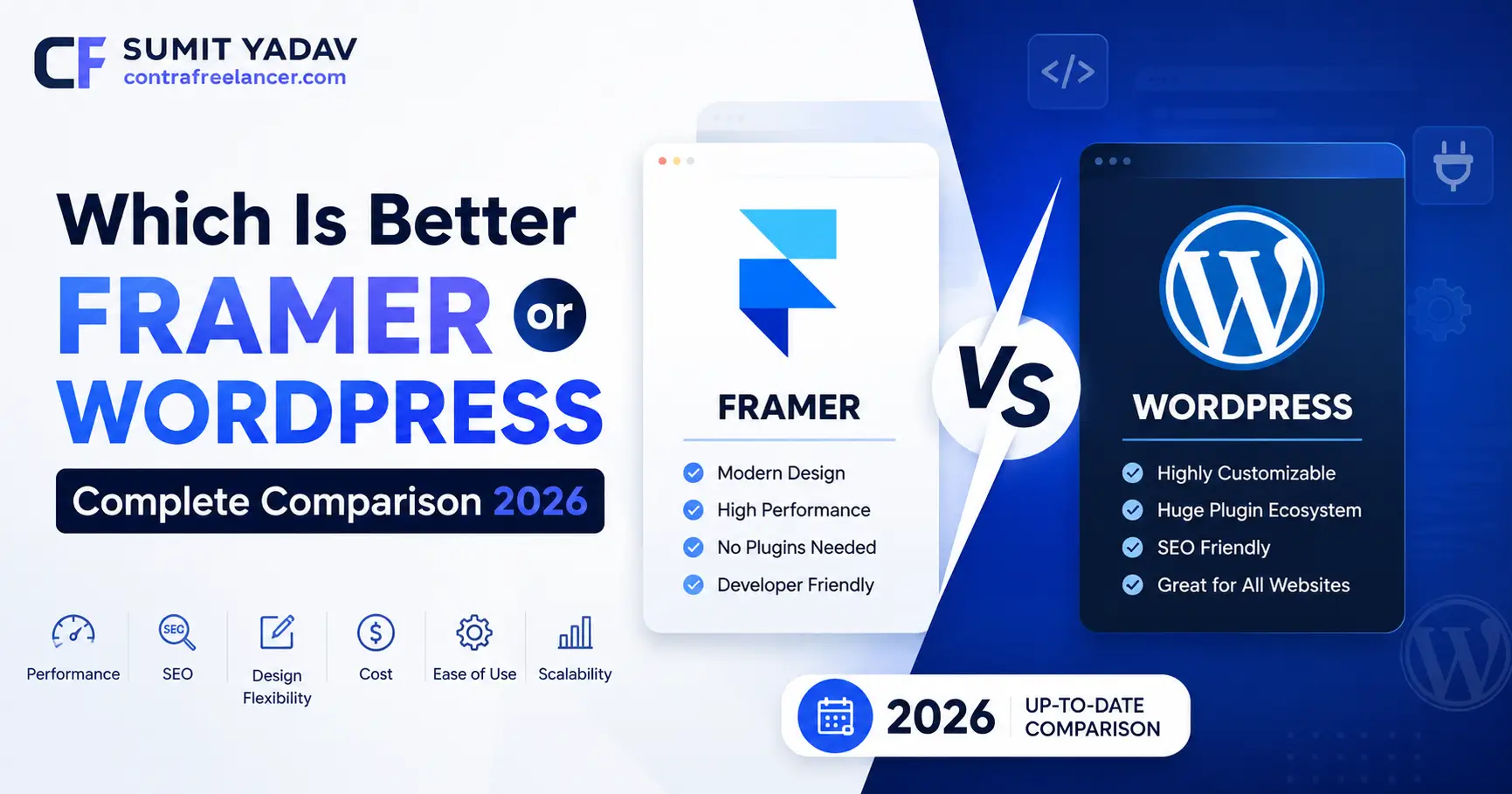
If you've been stuck scrolling through forums at 1 AM trying to decide between these two platforms, you're not alone. Which is better Framer or WordPress is one of the most searched questions among founders, freelancers, and small business owners in 2026, and honestly, there's no one-size-fits-all answer. I'm the person behind Contra Freelancer, and I build custom websites for clients on both platforms every month, so this comparison isn't theoretical it's based on real projects, real client budgets, and real headaches I've solved firsthand. In this guide, I'll break down pricing, CMS power, SEO, speed, and ecommerce so you can pick the right tool without the guesswork.
What Is Framer?
Framer started as a design prototyping tool and has evolved into a full-fledged, AI-powered no-code website builder. It lets you design, animate, and publish a live website visually, without touching a single line of code. Framer is especially popular with designers and agencies because it gives you pixel-level control over layout and motion, something traditional website builders struggle to match. In 2026, Framer also ships with AI features like Wireframer for instant layout generation and an in-editor coding assistant, which makes launching a polished site faster than ever.
What Is WordPress?
WordPress is the open-source content management system that powers over 40% of all websites on the internet. There are two flavors: WordPress.org (self-hosted, free software, but you pay for hosting) and WordPress.com (a managed, all-in-one hosting service). WordPress has been around since 2003 and has a massive ecosystem of themes, plugins, and developers behind it. If flexibility, scalability, and long-term content growth matter to you, WordPress remains the industry standard, especially for blogs, membership sites, and large ecommerce stores.
Framer vs WordPress: Quick Comparison Table
Feature | Framer | WordPress |
|---|---|---|
Ease of Use | Visual, drag-and-drop, beginner-friendly | Steeper learning curve, especially self-hosted |
Best For | Portfolios, SaaS landing pages, agency sites | Blogs, large content sites, ecommerce, membership sites |
Hosting | Built-in, managed | Self-hosted (.org) or managed (.com) |
Code Access | Optional custom code | Full code access (self-hosted) |
Plugin Ecosystem | Limited, growing | 60,000+ plugins available |
AI Tools | Built-in (Wireframer, Workshop) | Available via third-party plugins |
Ecommerce | Basic, add-on based | Advanced via WooCommerce |
Speed Out of the Box | Very fast, optimized hosting | Depends heavily on hosting and plugins |
As you can see from this table, Framer website vs WordPress really comes down to a trade-off between simplicity and long-term flexibility. Framer wins on speed-to-launch, while WordPress wins on raw power and customization once you're willing to invest the time.
If you're a startup trying to launch fast without hiring a full dev team, working with a custom responsive website developer freelancer USA can save you weeks of trial and error on either platform, since they already know which one fits your specific use case.
Framer CMS vs WordPress CMS: Which Content Management Wins?
This is where the real debate usually starts. Framer CMS vs WordPress is not a fair fight in terms of maturity WordPress has 20+ years of CMS development behind it, while Framer's CMS is comparatively new. But "newer" doesn't always mean "worse." Framer's CMS is built for speed and visual editing, while WordPress's CMS is built for depth and scale.
CMS Factor | Framer CMS | WordPress CMS |
|---|---|---|
Content Types | CMS collections (limited by plan) | Unlimited custom post types |
Editing Experience | Live visual editing on the page | Block editor (Gutenberg) or classic editor |
Scalability | Good for small-to-mid content sites | Excellent for large content libraries |
Multi-author Support | Limited on lower tiers | Strong, built for teams and publications |
Third-party Integrations | Growing but limited | Extensive via plugins |
Learning Curve | Very easy | Moderate |
If your site is mostly static pages with a small blog or portfolio, Framer's CMS collections are more than enough. But if you're running a content-heavy publication, a multi-author blog, or a resource hub with thousands of articles, WordPress's CMS architecture is simply more battle-tested for that kind of scale.
Founders on tight budgets often ask how to find low budget web developer for startups in USA who can set up either CMS correctly the first time because a poorly structured CMS early on almost always causes migration headaches later.
Framer vs WordPress Pricing: Complete Cost Breakdown (2026)
Let's talk numbers, because Framer vs WordPress pricing is probably the deciding factor for most people reading this. Framer's plans (as of 2026) start free but require at least the Basic tier to connect a custom domain, while WordPress pricing splits into WordPress.com (managed) and WordPress.org (self-hosted, where you pay for hosting separately).
Plan Tier | Framer | WordPress.com | |
|---|---|---|---|
Free | Yes, but no custom domain | Very limited, subdomain only | Software is free |
Entry Paid Plan | Basic — around $10/month (billed annually) | Personal — around $4–9/month | Hosting from $3–5/month |
Mid Tier | Pro — around $30/month (billed annually) | Premium/Business — $8–40/month | Managed hosting $20–30/month |
High Tier | Scale — around $100/month (billed annually) | Commerce — around $45–70/month | Enterprise hosting, varies widely |
Enterprise | Custom pricing | Custom pricing (VIP) | Fully custom |
Extra Costs | Editor seats, locales, CMS add-ons | Domain renewal, email, plugins | Themes, plugins, security, maintenance |
A few honest notes from experience: Framer's sticker price looks simple but editor seats and CMS add-ons can push agency bills higher than expected. WordPress.org looks "free" but hosting, premium plugins, and ongoing maintenance quietly add up to $150–$500+ per year for a basic business site, and much more for ecommerce. Neither platform is actually free once you factor in a custom domain and real business needs.
Many small businesses that want to hire website development services freelancer today do so specifically to avoid these hidden costs, since an experienced freelancer will map out the true first-year and second-year budget before you commit to either platform.
Framer Website vs WordPress: Design, Speed & Ease of Use
Design freedom is where Framer genuinely shines. It behaves more like a design tool (think Figma) than a traditional website builder, which means you can create highly custom animations, scroll effects, and interactions without writing code. WordPress, by contrast, depends heavily on your chosen theme and page builder (like Elementor or Divi), which can feel restrictive or bloated if not set up carefully.
On speed, Framer sites are generally fast out of the box because hosting, CDN, and image optimization are all handled internally. WordPress speed depends entirely on your hosting provider, theme quality, and plugin count a poorly optimized WordPress site can be painfully slow, while a well-optimized one can be just as fast as Framer.
For ease of use, Framer wins for beginners and non-technical founders who want a polished result quickly. WordPress has a steeper learning curve upfront but rewards you with far more long-term control. Business owners exploring an ecommerce build often also research the difference between Framer and Webflow, since Webflow sits closer to WordPress in terms of CMS depth while still offering visual design freedom similar to Framer.
Framer vs WordPress SEO: Which Ranks Better on Google?
Both platforms are fully capable of ranking well on Google in 2026 SEO success depends far more on content quality, site structure, and technical execution than the platform itself. That said, there are real differences worth knowing.
WordPress has a massive advantage in SEO tooling because of plugins like Yoast SEO and Rank Math, which give granular control over meta tags, schema markup, sitemaps, and internal linking. Framer has built-in basic SEO settings (meta titles, descriptions, redirects on paid plans) but lacks the depth of dedicated SEO plugins.
Site speed, mobile responsiveness, and Core Web Vitals matter more than ever for Google's 2026 ranking algorithms, and both platforms can perform well here if configured correctly. Framer's built-in hosting tends to score well on Core Web Vitals by default, while WordPress requires more manual optimization (caching, image compression, quality hosting) to reach the same level.
Bottom line: if you want maximum SEO control and plan to publish a lot of content over time, WordPress's plugin ecosystem gives you more levers to pull. If you want a clean, fast, well-structured site without deep SEO customization needs, Framer holds up just fine.
Ecommerce: Framer vs WordPress for Online Stores
If ecommerce is your main goal, this comparison shifts significantly in WordPress's favor. WooCommerce (WordPress's ecommerce plugin) supports unlimited products, complex inventory management, multiple payment gateways, and deep customization. it's used by millions of stores worldwide, from small shops to large catalogs.
Framer's ecommerce features are newer and more limited, better suited to simple product catalogs, digital downloads, or small stores with a handful of SKUs rather than large, complex inventories. If you're planning a serious online store, working with a freelance ecommerce website developer USA who specializes in WooCommerce setups is usually the smarter long-term investment, since ecommerce sites need ongoing technical support that goes beyond initial design.
Security and Maintenance: Framer vs WordPress
Framer handles hosting, SSL, and platform security internally, so there's very little for you to manage day-to-day updates and infrastructure security are handled on Framer's end. WordPress.org, being self-hosted, puts security squarely on your shoulders: regular core updates, plugin updates, malware scanning, and backups are all your responsibility (or your developer's). WordPress.com shifts some of this burden back to Automattic, similar to Framer's managed approach.
For business owners without technical staff, this is a meaningful factor. A neglected self-hosted WordPress site is one of the most common ways small businesses get hacked, simply because updates were skipped for too long.
Which Is Better Framer or WordPress for Your Business? (Use Case Breakdown)
Your Situation | Better Choice | Why |
|---|---|---|
Portfolio, personal brand, or landing page | Framer | Fast to launch, visually polished, minimal upkeep |
Content-heavy blog or news site | WordPress | Built for scale, multi-author workflows, deep SEO plugins |
Small to mid ecommerce store | WordPress (WooCommerce) | Mature ecommerce ecosystem, flexible payment options |
Agency or SaaS marketing site | Framer | Animation, design freedom, quick iteration |
Membership site or online course | WordPress | Plugin ecosystem supports complex user roles |
Non-technical founder, tight timeline | Framer | No coding, managed hosting, faster launch |
Long-term content marketing strategy | WordPress | Superior SEO plugin depth and content scalability |
Which Is Better Framer or WordPress?
There isn't a universal winner the honest answer to which is better Framer or WordPress depends entirely on what you're building. Choose Framer if you want a beautiful, fast, low-maintenance site and don't need heavy content publishing or complex ecommerce. Choose WordPress if you're planning long-term content growth, need advanced SEO control, or want a serious online store with room to scale.
If you're still unsure, that's genuinely normal most business owners aren't sure until they see how their specific content, budget, and growth plans map onto each platform's strengths. That's exactly the kind of decision I help clients work through at Contra Freelancer before a single page gets built, so the platform choice actually fits the business instead of the other way around.
Conclusion
Both Framer and WordPress are excellent platforms in 2026, but they're built for different priorities. Framer is the better fit when speed, design, and simplicity matter most. WordPress is the better fit when scalability, SEO depth, and ecommerce power matter most. The smartest approach is to map your actual business goals content volume, budget, technical comfort, and growth plans against what each platform genuinely does best, rather than picking based on hype alone. If you'd like a second opinion tailored to your specific project, feel free to reach out, or view my projects to see how these decisions have played out for past clients across both platforms.
FAQs
Q1. Which is better Framer or WordPress for beginners?
Framer is generally better for beginners because it requires no coding and offers a simpler, visual editing experience.
Q2. Is Framer cheaper than WordPress?
Framer's entry plans are competitively priced, but once you add hosting, plugins, and maintenance, WordPress.org can end up costing more or less depending on your setup.
Q3. Can I use WooCommerce-style ecommerce on Framer?
Framer offers basic ecommerce features, but WordPress with WooCommerce is far more advanced for serious online stores.
Q4. Does Framer support blogging like WordPress?
Yes, Framer's CMS supports blogging, but WordPress remains stronger for large, multi-author, content-heavy blogs.
Q5. Which platform is better for SEO in 2026?
WordPress offers deeper SEO control through plugins like Yoast and Rank Math, while Framer provides solid built-in basics.
Q6. Is Framer good for ecommerce websites?
Framer works well for small product catalogs but isn't yet built for large, complex ecommerce operations.
Q7. Do I need a developer to use WordPress?
Not necessarily, but a developer helps avoid security issues, slow load times, and poor site structure, especially for business-critical sites.
Q8. Which platform is faster, Framer or WordPress?
Framer is fast out of the box due to managed hosting, while WordPress speed depends on hosting quality and optimization.
Q9. Can I migrate from WordPress to Framer later?
Yes, migration is possible, but content-heavy sites require careful planning to avoid losing SEO rankings during the switch.
Q10. Which platform should a startup choose?
It depends on the startup's goals Framer for a fast, polished launch, or WordPress if long-term content and ecommerce scale are the priority.