

What Information Does a Web Developer Need Before Starting a Website Project?
5 min
Web Development
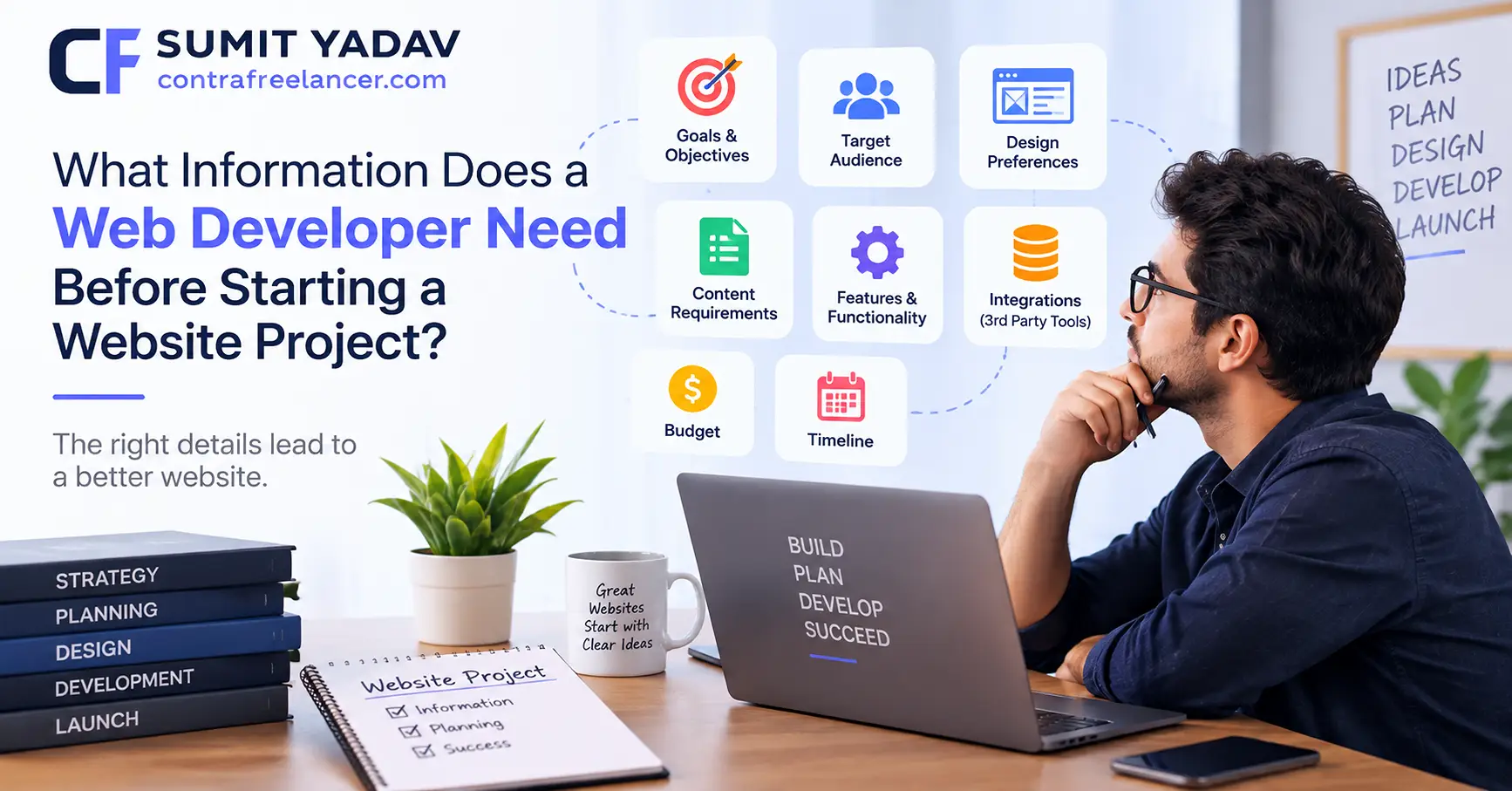
Starting a new website project can be exciting, but proper preparation is essential for a smooth development process. Before writing code or designing pages, a web developer needs clear information about the business, project goals, content, features, target audience, and technical requirements.
Providing the right information at the beginning helps prevent misunderstandings, reduces revisions, and allows the developer to create a website that supports your business objectives.
Whether you are building a small business website, an eCommerce store, or a custom web application, here is the information you should prepare before your project begins.
1. Business Information
The first thing a web developer needs is a clear understanding of your business.
Provide basic information such as:
Business name
Industry or niche
Products or services
Business location
Contact information
Years in business
Unique selling points
Main competitors
Existing website, if available
This information helps the developer understand what the website needs to communicate to visitors.
For example, a local service business may need location-focused pages and contact forms, while an eCommerce business may require product catalogs, shopping carts, payment gateways, and order management.
2. Website Goals
Before development starts, clearly explain what you want the website to accomplish.
Your goals might include:
Generating leads
Selling products online
Increasing phone calls
Getting appointment bookings
Promoting services
Building brand awareness
Providing information
Creating a customer portal
Supporting an existing business process
A website built primarily for lead generation will have different requirements from an online store or SaaS application.
Clearly defined goals help your developer prioritize the right features and structure the website around measurable business objectives.
3. Target Audience
Your developer should understand who will use the website.
Share information about your target audience, including:
Age range
Location
Industry or profession
Common problems
Buying behavior
Technical familiarity
What they expect from your business
Understanding the audience can influence navigation, content structure, calls to action, mobile experience, and overall user experience.
4. Website Pages and Sitemap
Create a basic list of pages you expect to have on the website.
For example:
Home
About Us
Services
Service Details
Projects
Blog
Contact
FAQs
Privacy Policy
Terms and Conditions
An eCommerce website might also need:
Shop
Product Categories
Product Details
Cart
Checkout
My Account
Order Confirmation
You do not necessarily need a perfect sitemap before contacting a developer. However, having a general idea of the required pages makes project planning much easier.
5. Website Content
Content is one of the most important things to prepare before development.
Depending on your project, your developer may need:
Page text
Product descriptions
Service descriptions
Blog content
Headlines
FAQs
Images
Videos
Testimonials
Case studies
Company information
If you already have content from an existing website, provide it to the developer so it can be reviewed and migrated where appropriate.
If the content has not been created yet, clarify whether you need copywriting or content services as part of the project.
6. Branding and Design Requirements
If your business already has established branding, provide the relevant brand assets.
These may include:
Logo files
Brand colors
Fonts
Brand guidelines
Icons
Photography
Illustrations
Existing marketing materials
You should also share examples of websites you like.
Instead of simply saying, "I want my website to look modern," provide two or three examples and explain what you like about them.
For example:
"I like the navigation of this website, the service card layout on this page, and the animation used in the hero section."
This gives the developer much clearer direction.
7. Required Website Features
Make a list of functionality the website needs.
Common features include:
Contact forms
Newsletter signup
Search
User registration
Login
Appointment booking
Online payments
Product filters
Shopping cart
Reviews
Membership systems
Maps
Live chat
Customer dashboards
File uploads
Social media integration
For custom applications, you may also need to describe workflows and user roles.
The more specific the requirements are, the easier it is for the developer to estimate development effort and plan the architecture.
8. eCommerce Requirements
If you are building an online store, additional information is required.
Prepare details about:
Products
Product categories
Product variations
Pricing
Inventory
Shipping
Taxes
Payment methods
Coupons
Returns and refunds
Customer accounts
Order management
You should also specify whether you plan to use platforms such as WooCommerce, Shopify, or another eCommerce solution.
9. Technical Requirements
If you already have technical preferences, tell your developer before development begins.
For example, you may want:
WordPress
Shopify
React
Next.js
Node.js
A custom PHP application
A specific hosting environment
A particular database
Third-party APIs
You do not necessarily need to choose the technology yourself. If you are unsure, explain your business requirements and let the developer recommend an appropriate technology stack.
10. Domain and Hosting Information
If you already own a domain and hosting account, provide the necessary access information through a secure method.
The developer may need access to:
Domain management
Hosting
cPanel
WordPress
FTP/SFTP
DNS
Cloud services
Existing repositories
Never send passwords through unsecured public channels. Use appropriate password-sharing or account-invitation methods whenever possible.
11. Third-Party Integrations
Tell your developer about any external platforms that need to connect with the website.
Examples include:
Stripe
PayPal
Google Analytics
Google Maps
CRM systems
Email marketing platforms
Accounting software
Shipping services
Inventory systems
Social media platforms
Customer support software
If you already have API documentation or credentials, mention them during project planning.
12. SEO Requirements
SEO should be considered before development rather than added as an afterthought.
Share any existing SEO information, including:
Target keywords
Existing URLs
Important landing pages
Google Search Console data
Google Analytics data
Existing sitemap
Meta titles and descriptions
Redirect requirements
High-performing pages
If you are redesigning an existing website, preserving important URLs and implementing proper redirects can help reduce the risk of losing organic traffic.
For businesses planning a redesign, it can also be useful to review resources such as How to Redesign a Website Without Losing SEO or Traffic before development begins.
13. Competitor Websites
Provide a list of relevant competitors.
Your developer can use these websites to understand:
Common features
Navigation patterns
Content structure
Industry expectations
Calls to action
User experience patterns
The purpose should not be to copy competitors. Instead, competitor research helps establish the baseline expectations for your industry and identify opportunities to create a better user experience.
14. Project Timeline
Tell your developer when you need the website completed.
For example:
Preferred start date
Target launch date
Important business events
Marketing campaign dates
Product launch dates
Seasonal deadlines
Keep in mind that the timeline depends on project scope, content availability, design approvals, development complexity, testing, and revisions.
If you want to understand typical project timelines, you can also review How Long Does It Take to Build a Business Website?
15. Budget and Scope
Your developer should understand the expected project scope and budget.
Instead of simply saying "I need a website," explain what is included.
For example:
"We need a 10-page WordPress website with a blog, contact forms, service pages, appointment booking, and basic SEO."
A clear scope makes it easier to determine the appropriate development approach and avoid unexpected requirements later.
16. User Roles and Permissions
For websites with accounts or dashboards, explain who will use the system.
For example:
Administrator
Customer
Employee
Vendor
Manager
Subscriber
Each role may require different permissions.
A customer might only be able to view their orders, while an administrator could manage users, products, content, and settings.
17. Existing Website Information
If the project is a redesign or rebuild, provide access to the existing website and explain what should happen to the current content.
Your developer may need information about:
Existing pages
URLs
Blog posts
Images
Forms
Database
User accounts
Plugins
Analytics
SEO settings
Existing integrations
Also identify pages or features that should be removed, improved, or preserved.
18. Website Maintenance Expectations
Before development begins, discuss what happens after launch.
Ask whether you need:
Security updates
Plugin updates
Backups
Bug fixes
Content updates
Performance monitoring
Technical support
SEO maintenance
Clarifying post-launch responsibilities can prevent confusion after the website goes live.
A Simple Website Project Information Checklist
Before starting your project, try to have these items ready:
Requirement | Ready? |
|---|---|
Business information | ✓ |
Website goals | ✓ |
Target audience | ✓ |
Sitemap/pages | ✓ |
Website content | ✓ |
Images and media | ✓ |
Logo and branding | ✓ |
Required features | ✓ |
Technical requirements | ✓ |
Domain and hosting | ✓ |
Third-party integrations | ✓ |
SEO requirements | ✓ |
Competitor websites | ✓ |
Project timeline | ✓ |
Budget and scope | ✓ |
User roles | ✓ |
Existing website information | ✓ |
Post-launch support requirements | ✓ |
Final Thoughts
A successful website project starts with clear communication before development begins. Giving your web developer detailed information about your business, goals, audience, content, design preferences, features, technical requirements, and timeline creates a stronger foundation for the entire project.
You do not need to have every technical detail figured out before hiring a developer. A good developer can help you identify missing requirements, recommend suitable technologies, and turn your business objectives into a practical website plan.
The key is to provide as much relevant information as possible at the beginning. A clear project brief can reduce unnecessary revisions, improve communication, and help keep the website development process organized from planning through launch.