

Framer vs Squarespace vs Nicepage: Best Website Builder in 2026
5 min
Web Development
Framer vs Squarespace vs Nicepage: Quick Comparison
Before going deep into features, here’s a quick comparison of all three platforms. Framer and Squarespace are still two of the most recognizable website builders in 2026, but Nicepage deserves a place in the conversation, especially for freelancers, agencies, and businesses that want more control over where and how their website is published.
Feature | Framer | Squarespace | Nicepage |
Best for | Designers, startups, SaaS landing pages | Small businesses, creatives, bloggers | Freelancers, agencies, small businesses, WordPress/Joomla users |
Starting price (annual) | Free, then $10/month | $16/month, no free plan | Free, then $6.75/month |
Design freedom | Very high, pixel-level control | Moderate, template-driven | Very high, free-form drag-and-drop |
Learning curve | Slightly steeper for beginners | Very beginner-friendly | Moderate, beginner-friendly with advanced controls |
Built-in animations | Advanced, native | Basic | Built-in animation and interaction effects |
Ecommerce | Add-ons and third-party tools | Native, built-in commerce engine | Built-in ecommerce on higher plans, plus WooCommerce and VirtueMart support |
CMS / blogging | Strong, flexible collections | Solid, simple blog editor | Blogging tools plus WordPress and Joomla integration |
AI website tools | Wireframer, Workshop, translations | Squarespace AI, Blueprint AI | AI Page Builder, Block Builder and AI text tools |
Hosting & publishing | Managed Framer hosting | Fully managed hosting | Nicepage hosting, custom domain or HTML export/self-hosting |
The biggest difference is flexibility beyond the editor itself. Framer focuses heavily on modern design and interactive marketing websites, while Squarespace is built around simplicity and an all-in-one hosted experience. Nicepage takes a different approach by combining a visual no-code builder with desktop software, online publishing, and the ability to export websites to HTML or work directly with WordPress and Joomla.
That makes Nicepage particularly interesting for developers and freelancers who do not necessarily want every client website locked into a single hosted website-builder ecosystem.
What is Framer?
Framer is a modern no-code website builder designed for creating visually impressive, high-performance websites with advanced animations and interactive elements. Originally built as a design prototyping tool, it has evolved into a complete platform for building landing pages, portfolios, startup websites, and SaaS marketing sites. Framer combines a flexible visual editor with built-in CMS, responsive design controls, AI-powered tools, and fast managed hosting, making it a popular choice for designers and businesses that prioritize creativity, speed, and user experience.
What is Squarespace?
Squarespace is an all-in-one website builder that focuses on simplicity, ease of use, and professionally designed templates. It provides everything needed to launch and manage a website, including hosting, domain management, blogging, ecommerce, SEO tools, and built-in marketing features. Squarespace is particularly popular among small businesses, bloggers, creators, consultants, and online stores because it allows users to build and maintain a polished website without requiring technical knowledge or coding skills.
What is Nicepage?
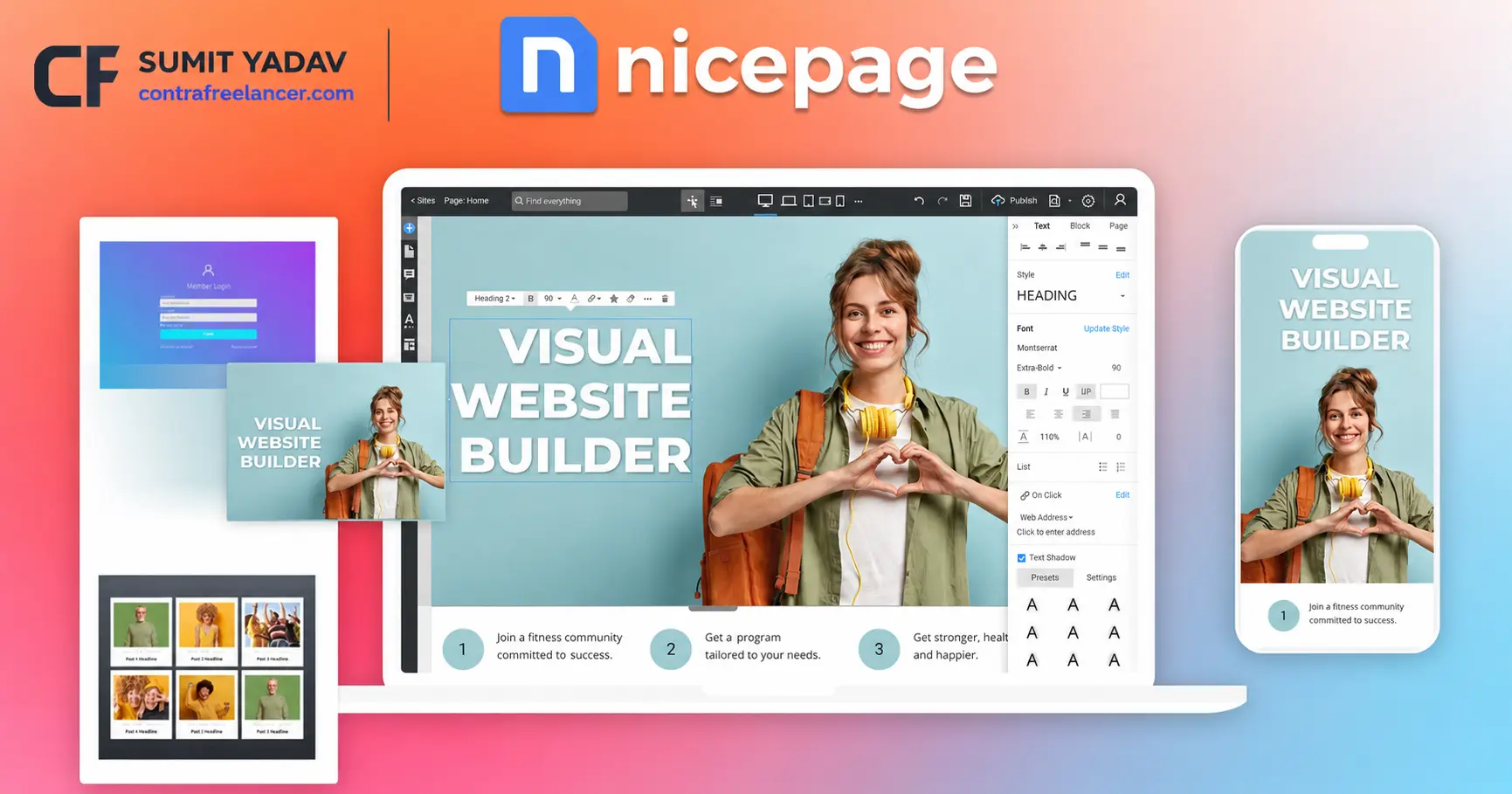
Nicepage Website Builder is a no-code website builder built around visual freedom, but its biggest difference from Framer and Squarespace is how many ways you can actually use and publish what you create. It is available as an online website builder as well as a desktop application for Windows and Mac, and it also integrates with WordPress and Joomla.
The editor uses a free-form drag-and-drop approach, so you can position and customize elements without being restricted to a rigid template structure. At the same time, Nicepage includes a large library of pre-designed pages and blocks, which makes it possible to start from an existing layout instead of designing every section from scratch.
Where Nicepage becomes particularly useful for freelancers and agencies is website portability. A project can be exported as a static HTML website with the required HTML, CSS, JavaScript, and image files, giving you the option to upload it to your own hosting rather than keeping the website permanently tied to the builder’s hosting platform. Nicepage also supports workflows for WordPress and Joomla, which makes it quite different from the closed hosted approach used by platforms such as Squarespace.
Pros & Cons of Framer, Squarespace, and Nicepage
Framer
Pros
Modern, visually stunning website designs with advanced animations.
Excellent for SaaS, startups, portfolios, and landing pages.
Built-in CMS, responsive design tools, and AI-powered features.
Fast managed hosting with strong performance.
Cons
Slight learning curve for beginners.
Limited website export options compared to some competitors.
Ecommerce capabilities are less comprehensive than dedicated platforms.
Squarespace
Pros
Beginner-friendly interface with professionally designed templates.
Includes hosting, blogging, ecommerce, and marketing tools in one platform.
Reliable website security and maintenance.
Ideal for small businesses, bloggers, and creative professionals.
Cons
Less design flexibility than Framer or Nicepage.
Advanced customization may require custom code.
Switching away from the platform can be less flexible due to its hosted ecosystem.
Nicepage
Pros
High level of design freedom with a visual drag-and-drop editor.
Export websites as HTML or integrate with WordPress and Joomla.
AI-powered page and block generation tools.
Flexible publishing options for freelancers, agencies, and businesses.
Cons
Some advanced features are only available on paid plans.
The interface may take a little time to master for first-time users.
Smaller third-party ecosystem compared to more established website builders.
Nicepage Pricing in 2026
Nicepage Pricing includes a permanent Starter plan at $0, while its paid Personal plan currently starts at $6.75/month when billed annually.
The plans scale mainly around the number of projects and hosted websites, design customization, ecommerce functionality, WordPress and Joomla support, collaboration features, and client-oriented tools. Paid plans also include access to the full template library, while higher tiers increase the number of websites, projects, ecommerce products, user roles, and other professional features available.
Nicepage also has an unusual advantage compared with many SaaS-only website builders: it offers both subscription and license models. The desktop application can therefore make sense for freelancers or agencies that prefer working locally and want more control over project files and website delivery.
Nicepage Design Freedom vs Framer and Squarespace
From a design perspective, Nicepage sits much closer to Framer than Squarespace. You have significantly more freedom to move elements, build custom sections, control typography, create responsive layouts, and adjust individual versions of a page for different screen sizes.
Framer still has the edge when the goal is a highly polished, animation-heavy startup or SaaS website. Its interaction system feels more purpose-built for modern product marketing sites and sophisticated micro-interactions.
Nicepage, however, has a different advantage: flexibility of workflow. You can design visually, use AI to generate an initial page or individual sections, work from thousands of existing templates, and then decide whether to host the site with Nicepage, export it as HTML, or use the design in a WordPress or Joomla environment.
For a freelancer managing websites for several different types of clients, that flexibility can be more important than having the most advanced animation system.
Nicepage AI Website Builder
Nicepage has also expanded its AI tools considerably. Its AI Page Builder can generate an initial page concept, layout, blocks, and text based on a website topic, while the AI Block Builder can create individual website sections that can then be edited inside the normal visual editor.
There are also AI-assisted text and content tools, so the AI workflow is less about generating a finished website that you never touch again and more about getting to a usable first draft faster.
That puts Nicepage somewhere between the approaches of Squarespace and Framer: it offers beginner-friendly AI generation, but still gives designers substantial control over the result once the initial layout has been created.
Who Should Choose Framer vs Squarespace vs Nicepage?
Choose Framer if you want a unique, highly animated, design-forward website, especially for a startup, SaaS product, portfolio, or marketing campaign where visual presentation and interaction design are major priorities.
Choose Squarespace if you are a solo creative, coach, consultant, blogger, or retailer who wants an easy all-in-one platform with hosting, ecommerce, and content management already packaged together.
Choose Nicepage if you want strong visual design freedom but also care about flexibility after the website is built. It is particularly attractive for freelancers, agencies, and businesses that want to work with HTML, WordPress, or Joomla, use their own hosting, or avoid having the entire project permanently tied to one hosted website-building platform.
Where Nicepage Fits in a Real-World Project
Imagine a freelancer building websites for several different clients. One client wants a simple hosted business website, another already runs WordPress, and a third wants the finished HTML files so the site can live on their existing server.
That is the type of workflow where Nicepage becomes genuinely interesting. Instead of changing design tools for every project, you can build visually in the same environment and choose a different publishing method depending on what the client actually needs.
Framer would still be my first consideration for a highly interactive SaaS landing page, and Squarespace remains easier for a business owner who wants to manage everything personally inside one dashboard. But when website ownership, export options, WordPress or Joomla compatibility, and flexible client delivery matter, Nicepage offers an alternative that neither Framer nor Squarespace approaches in exactly the same way.
Conclusion
There is no universal winner between Framer, Squarespace, and Nicepage because they solve different problems. Framer is the strongest choice when cutting-edge visual design, animations, and modern marketing pages are the priority. Squarespace remains one of the easiest all-in-one solutions for small businesses, content creators, and ecommerce beginners who value simplicity over complete design freedom.
Nicepage becomes the more interesting option when you want visual control without being limited to one publishing ecosystem. Its combination of a no-code editor, desktop application, AI tools, hosting, HTML export, and WordPress/Joomla support makes it particularly relevant for freelancers, agencies, and businesses that want more control over how their website is built, hosted, and handed over. So the better question in 2026 is not simply “Framer or Squarespace which is better?” It is whether you value Framer’s design-first approach, Squarespace’s all-in-one simplicity, or Nicepage’s combination of visual freedom and publishing flexibility.
FAQs
Q1. Which website builder is best in 2026?
Ans. The best website builder depends on your design needs, budget, and publishing preferences.
Q2. Is Framer better than Squarespace?
Ans. Framer is better for modern interactive websites, while Squarespace is ideal for beginners and small businesses.
Q3. Why should I choose Nicepage?
Ans. Nicepage is a great choice if you want design flexibility, HTML export, and WordPress or Joomla integration.
Q4. Which website builder is best for freelancers?
Ans. Nicepage and Framer are excellent options for freelancers who need creative freedom and flexible workflows.
Q5. Can I switch from one website builder to another later?
Ans. Yes, but the migration process depends on the platform and the features used on your existing website.